Getting started
What is Judoscale?
Judoscale is a Heroku add-on for optimizing your dyno usage. We do this is through autoscaling—automatically adding and removing dynos based on sophisticated capacity metrics.
Installing Judoscale
There are three ways to install Judoscale:
- The Heroku CLI
- Your app’s Heroku dashboard
- Heroku Elements marketplace
Installing Judoscale with the Heroku CLI
The easiest way to install Judoscale is using the Heroku CLI. Run this command:
heroku addons:create judoscale -a [your-app-name]
This will install the cheapest add-on plan (currently the yellow plan), which is a fine starting place to explore the app.
Once installed, open Judoscale with this command:
heroku addons:open judoscale -a [your-app-name]
Installing Judoscale from your Heroku dashboard
Navigate to the “Resources” page in your Heroku dashboard, and type “Judoscale” in the add-ons search box.

Click “Judoscale” and select your plan.
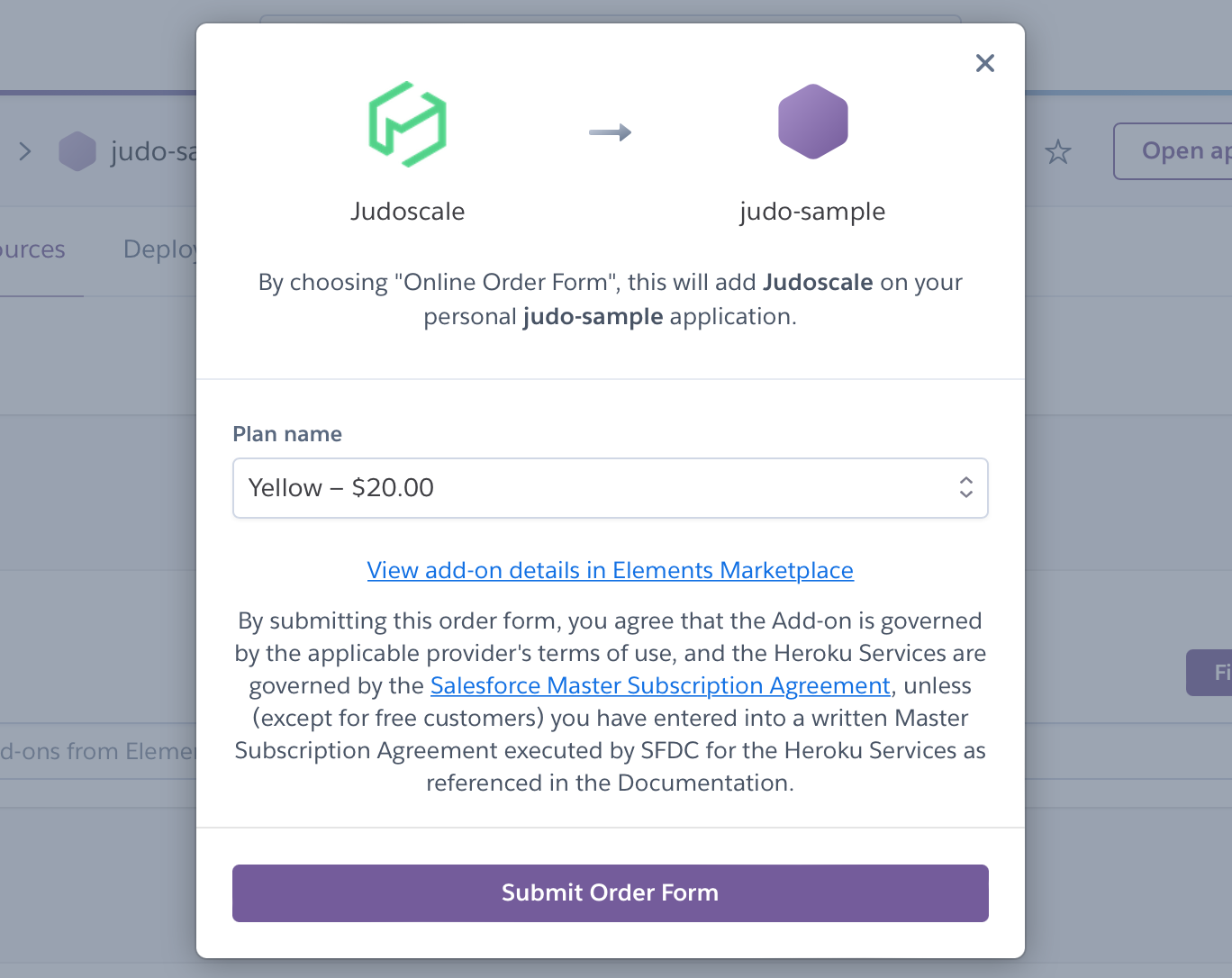
Click “Submit order form”, and the add-on will be installed. Click “Judoscale” in your add-on’s list to launch the Judoscale dashboard.
Installing Judoscale from Heroku Elements
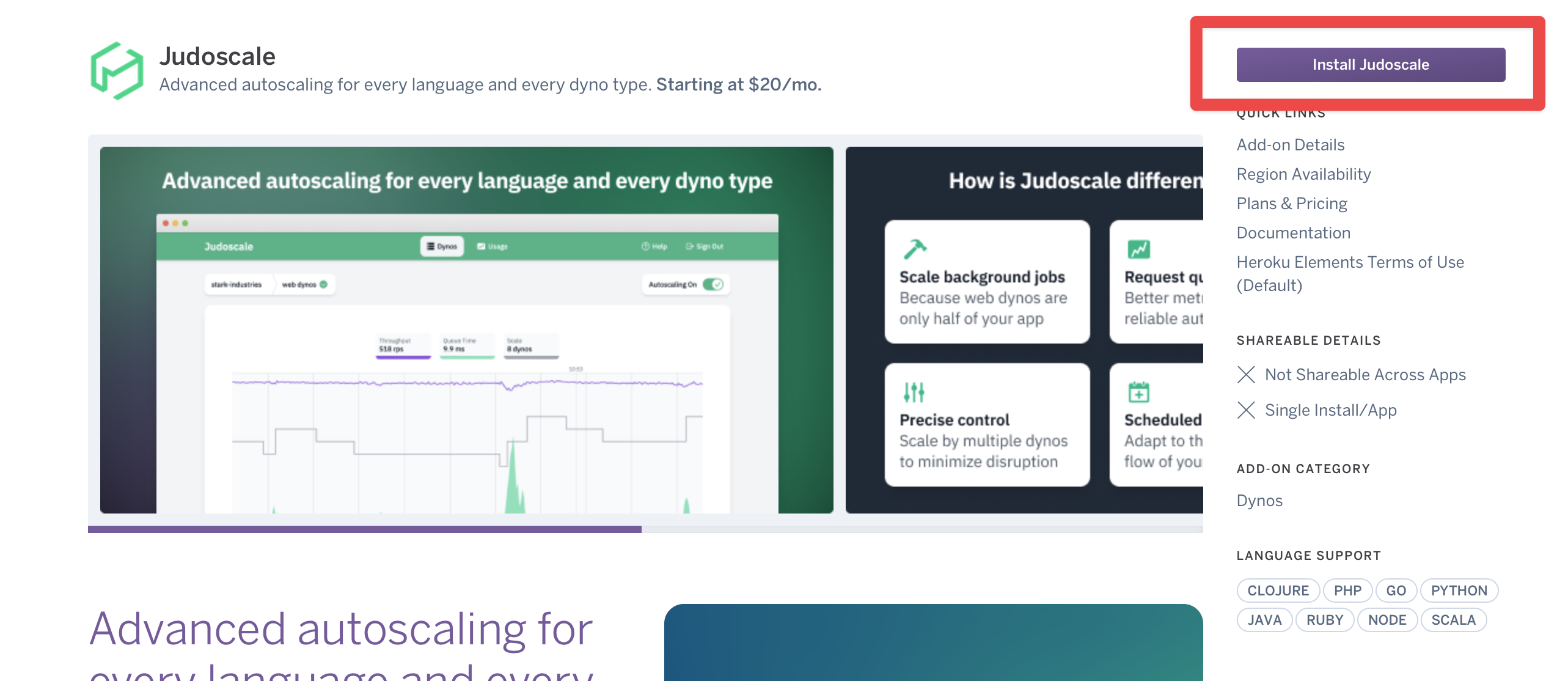
Heroku Elements is Heroku’s marketplace for add-ons, buildpacks, and buttons. Like every other add-on, Judoscale has a dedicated Heroku Elements page with details and pricing information.
On the Elements page, click the “Install Judoscale” button.
On the next screen, you will choose your Judoscale plan, the Heroku application where you want to install it, and click “Submit Order Form”.
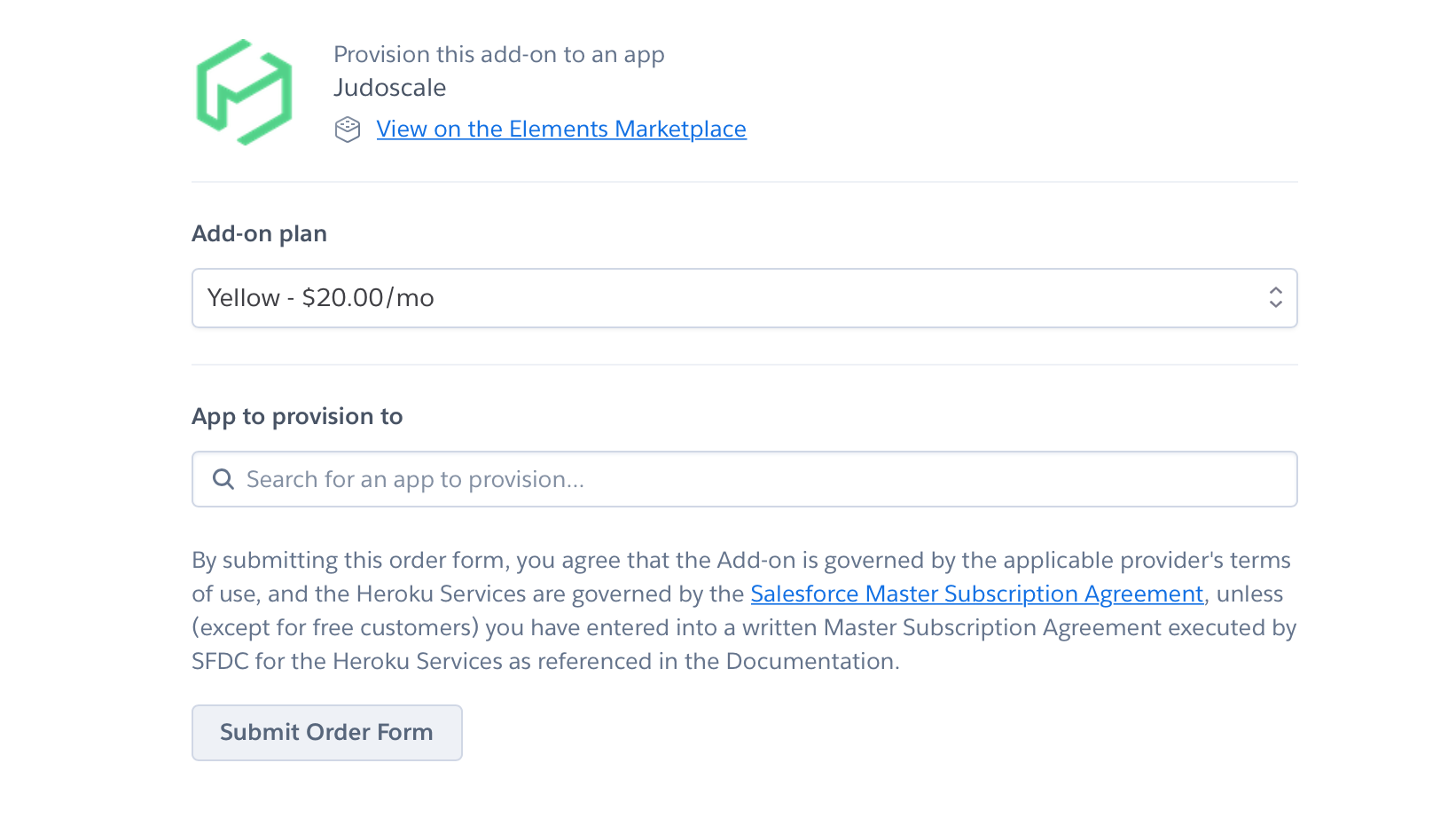
This will install the add-on for you. Click “Judoscale” in your add-on’s list to launch the Judoscale dashboard.